Stepping into the world of smart lighting can feel a bit like discovering a secret superpower for your home, and if you’re looking for where to start, the Govee Led Strip is undoubtedly one of the brightest stars in the galaxy. As someone who’s spent over a decade knee-deep in LED strip design, installation, and repair, and as the official content creator for NamsP, I’ve seen countless lighting trends come and go. But Govee? They’ve consistently pushed the boundaries of what these flexible light ribbons can do, making them incredibly popular for both beginners and seasoned DIY enthusiasts.
Imagine transforming your living room from drab to fab with a tap on your phone, or setting the perfect mood for a movie night with a voice command. That’s the magic a Govee LED strip brings to the table. In this comprehensive guide, we’ll dive deep into everything you need to know about these fantastic lights, from choosing the right model to nailing the installation and unleashing your creativity.
What Makes Govee LED Strips Shine? Understanding Their Core Features
Govee isn’t just about throwing lights onto a strip; it’s about intelligent, immersive illumination. Several key features set the Govee LED strip apart from the crowd:
RGBIC Technology: The Magic of Multiple Colors on One Strip
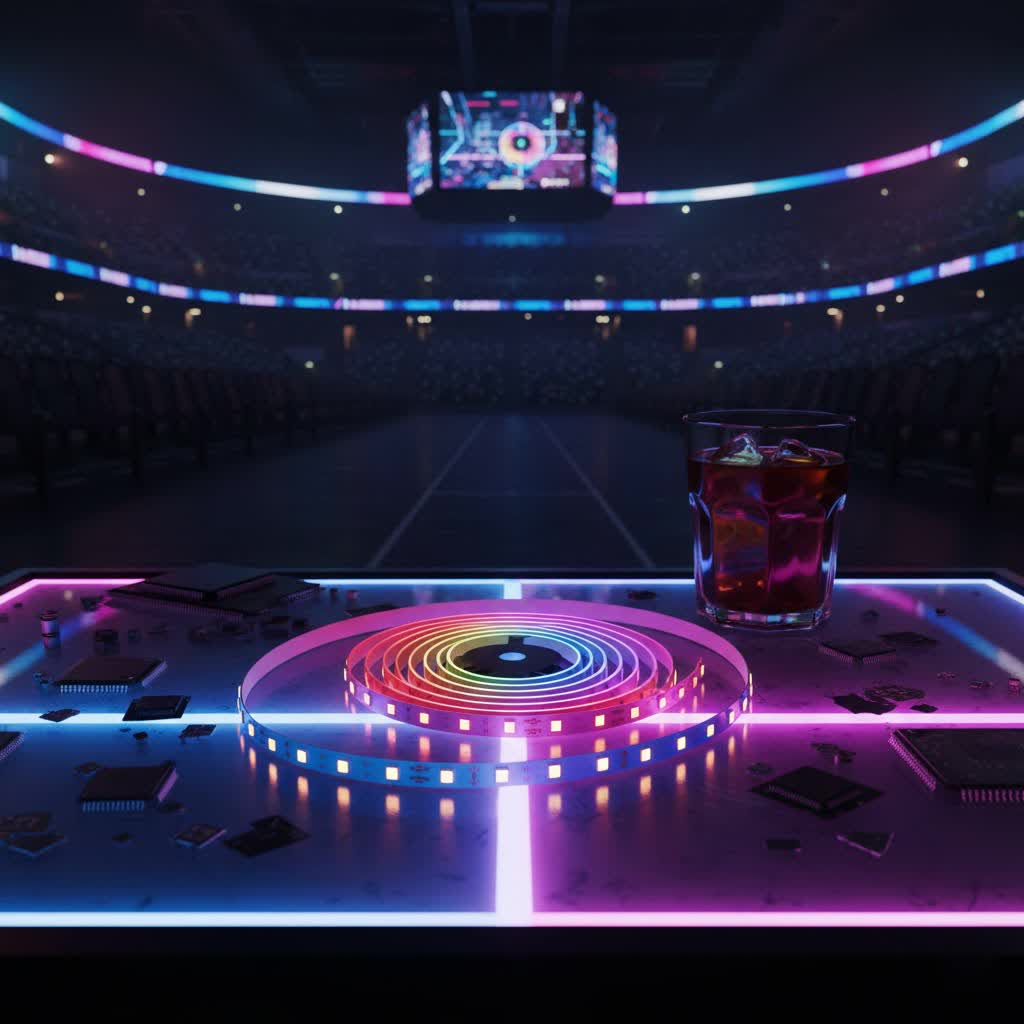
Empty Table.Forget basic RGB strips where the entire strip changes to a single color. Govee’s RGBIC (Red, Green, Blue, Independent Control) technology is a game-changer. This innovative tech allows individual segments of the LED strip to display different colors simultaneously. The result? Stunning rainbow effects, dynamic chases, and incredibly smooth color transitions that breathe life into any space. It’s like having a canvas of light you can paint with.
Smart Control at Your Fingertips: Govee Home App, Music Sync, and Voice Assistants
The heart of the Govee experience lies in its incredibly versatile Govee Home app. This isn’t just a simple on/off switch; it’s a command center for your lighting. You can adjust colors, fine-tune brightness, select from over 64 preset scenes, or even design your own custom lighting patterns.
One of the coolest features is the built-in microphone on many Govee LED strip controllers. This enables a fantastic music sync mode, allowing your lights to dance and change color to the rhythm of your favorite tunes. Plus, for ultimate convenience, most Wi-Fi-enabled Govee LED strips seamlessly integrate with popular smart home platforms like Amazon Alexa and Google Assistant, letting you control your lights with simple voice commands.
Connectivity: Bluetooth, Wi-Fi, and Matter Compatibility
Govee offers various connectivity options to suit different needs. Many strips utilize both Bluetooth for direct device control and Wi-Fi for broader smart home integration and remote access. It’s important to note that Wi-Fi enabled Govee LED strip models typically require a 2.4 GHz Wi-Fi network for optimal performance. Some newer, higher-end models also boast Matter compatibility, offering even more seamless integration into a wider smart home ecosystem. This flexibility ensures you can always connect and control your lights, whether you’re at home or away.
Choosing Your Perfect Govee LED Strip: A Buyer’s Guide
With so many excellent options, picking the right Govee LED strip can feel a bit overwhelming. But don’t worry, here’s how to narrow down your choices:
Indoor vs. Outdoor: Durability and Waterproofing
Consider where you’ll be installing your lights. Indoor Govee LED strips are perfect for bedrooms, kitchens, and living areas. For outdoor applications like patios, decks, or even festive holiday displays, you’ll need models specifically designed for exterior use, often featuring a protective coating or silicone casing to withstand the elements. These durable strips are built to brave harsh weather, ensuring your outdoor lighting dreams don’t get washed out.
Brightness and Density: Standard RGBIC vs. COB and Pro Models
The brightness and overall appearance of your lighting can vary significantly between models.
- Standard RGBIC: Offers vibrant, individually controllable colors.
- COB (Chip-on-Board) LED strips: Feature a much higher density of LEDs per meter, resulting in a continuous, dot-free line of light and typically higher brightness. The Govee COB Strip Light Pro, for instance, boasts 1260 LEDs per meter, providing incredibly smooth and consistent illumination.
- Pro models (e.g., Govee Strip Light 2 Pro): Often include advanced features like LuminBlend™ Technology for superior color accuracy, especially with low-saturation hues, and dedicated warm white/cool white diodes for a broader spectrum of white light options.
Length and Cutability: Customizing to Your Space
Govee LED strips come in various lengths, typically from a few feet to many meters. Most strips are designed to be cut at specific marked intervals, allowing you to customize them to the exact dimensions of your space. Always check the product specifications for cutting guidelines to avoid damaging the strip.
Smart Features: RGBIC, Wi-Fi, Matter
Determine which smart features are essential for your setup. If you want multi-color effects, RGBIC is a must. For voice control and remote access, opt for Wi-Fi enabled strips. If you’re building a future-proof smart home, consider Matter-compatible models.
Popular Models Overview
Govee offers a diverse range. Some standout options often include:
- Govee M1: A popular choice known for its high brightness and vibrant RGBIC colors.
- Govee Strip Light 2 Pro: Offers advanced color accuracy and brightness.
- Govee COB Strip Light Pro: Provides a seamless, dot-free lighting experience.
- Govee Neon Rope Lights: Excellent for diffused, uniform light, creating unique shapes and signs.
Seamless Setup: Installing Your Govee LED Strip Like a Pro
Installing a Govee LED strip might seem daunting at first, but with a little planning, it’s a straightforward DIY project anyone can tackle.
Preparation is Key
Before you even unroll your new Govee LED strip, gather your materials and prepare your space.
- Unbox and Inspect: Ensure all components (LED strip, power adapter, controller, adhesive clips) are present and undamaged. Plug in the strip briefly to make sure it lights up.
- Plan Your Layout: Visualize where the strip will go. Consider the length needed and the location of power outlets. Mark your intended path if necessary.
- Clean the Surface: This step is crucial! Use an alcohol prep pad (often included) or a clean cloth and rubbing alcohol to thoroughly clean the surface where the strip will adhere. Dust, grease, or moisture can severely compromise the adhesive’s effectiveness. Allow it to dry completely.
Step-by-Step Installation
Once your surface is pristine and dry, you’re ready for installation.
- Clean the Surface: As mentioned, this can’t be stressed enough. A clean, dry surface ensures maximum adhesion for your Govee LED strip.
- Measure and Cut (if necessary): Carefully measure the length you need. If cutting is required, locate the designated cut marks on the strip (usually indicated by a copper line and a scissor icon) and use sharp scissors for a clean cut.
- Peel and Stick: Start from one end. Peel off a small section of the adhesive backing (a foot or two at a time) and gently press the strip onto your clean surface. Work your way along, applying firm, even pressure to minimize air bubbles and ensure a strong bond.
- Secure with Clips: For corners, irregular surfaces, or if you simply want extra security, use the included adhesive mounting clips. Place them strategically, especially at bends and ends, to reinforce the strip’s hold.
- Connect to Power: Connect the end of your Govee LED strip to the controller, ensuring the pins are correctly aligned. Then, connect the controller to the power adapter and plug it into a wall outlet. If your strip has an arrow symbol on its connector, make sure it lines up with the arrow on the receiver for proper connection.
- App Setup & Pairing: Download the Govee Home app from your app store. Create an account, then follow the in-app instructions to add your new device. You may need to select your specific model number. Ensure your phone’s Bluetooth is on and that you’re connected to a 2.4 GHz Wi-Fi network if it’s a Wi-Fi model. The app will guide you through the pairing process, making your Govee LED strip ready for action!
Maximizing Your Govee Experience: Tips for Longevity and Creative Use
To truly enjoy your Govee LED strip for years to come and unlock its full potential, a few expert tips can go a long way.
Maintenance Tips
- Gentle Cleaning: If dust accumulates, gently wipe the strip with a dry, soft cloth. Avoid abrasive cleaners or excessive moisture.
- Avoid Harsh Bending: While flexible, LED strips have their limits. Avoid sharp 90-degree bends, which can damage the internal circuitry. Use connectors for sharp turns or gentle curves.
- Proper Placement: Ensure your strip isn’t in a location where it will be constantly bumped or exposed to extreme temperatures outside its operating range.
Creative Lighting Ideas
The beauty of a Govee LED strip lies in its versatility. Here are some ideas to spark your imagination:
- Ambient Room Lighting: Install strips along ceiling coves, behind crown molding, or along baseboards for a soft, diffused glow that transforms the entire room’s ambiance.
- Entertainment & Gaming Setups: Backlight your TV or monitor for an immersive viewing experience, or line your gaming desk with RGBIC strips to create a dynamic, reactive battle station.
- Accent & Task Lighting: Illuminate under kitchen cabinets or shelves to add both functional task lighting and a touch of modern sophistication. Highlight architectural features or artwork with a subtle glow.
- Holiday & Festive Displays: Easily change colors and effects to match any holiday. Think spooky purples and oranges for Halloween, or cheerful reds and greens for Christmas.
- DIY Projects: From custom wall art to unique furniture accents, the flexible nature of the Govee LED strip opens up endless possibilities for personalized projects. Create your own light shows and patterns through the app’s DIY mode.
Troubleshooting Common Govee LED Strip Issues
Even the most reliable tech can sometimes encounter a hiccup. Here are solutions to common Govee LED strip problems:
Connection Problems (Wi-Fi, Bluetooth)
- 2.4 GHz Wi-Fi: Ensure your router is broadcasting a 2.4 GHz network and your phone is connected to it during setup. Govee Wi-Fi strips do not typically work with 5 GHz networks. If you have a dual-band router, consider separating the SSIDs for your 2.4 GHz and 5 GHz bands.
- Strong Signal: Move the LED strip closer to your Wi-Fi router for a stronger signal.
- Re-link Account: If struggling with Alexa or Google Home, try logging out of your Govee account in the Govee Home app, then re-linking it through your smart assistant’s app.
- Reset the Strip: For persistent issues, reset the strip. This usually involves powering on the strip, then quickly pressing the middle button on the control box four times while holding the power button. Check your specific model’s manual for exact reset procedures.
- Manual Pairing: If the app can’t find your device, try searching for it by its model number within the Govee Home app.
Lights Not Working/Flickering
- Check Connections: Unplug and firmly re-plug all connective parts—from the power adapter to the controller and the strip itself. Loose connections are a common culprit.
- Power Supply: Ensure the power adapter is fully plugged into a working outlet.
- Strip Damage: Inspect the strip for any visible damage or kinks, especially if it’s been bent sharply.
Expert Insights on Govee LED Strips
“From my vantage point, Govee has truly democratized sophisticated lighting. Their dedication to user-friendly apps and continuous innovation, particularly with RGBIC and higher-density COB strips, means that professional-grade lighting effects are now accessible to everyone,” shares Alex Pham, a NamsP senior LED technician with over a decade of hands-on experience. “The biggest difference often isn’t the hardware, but how you integrate it seamlessly into your life through smart controls and creative placement.”
Frequently Asked Questions (FAQ)
Q: What is RGBIC technology in Govee LED strips?
A: RGBIC technology allows a Govee LED strip to display multiple colors simultaneously along its length, rather than just one color across the entire strip. This enables dynamic, flowing rainbow effects and more intricate lighting patterns.
Q: Can Govee LED strips be cut?
A: Yes, most Govee LED strips can be cut to a desired length. Look for designated cut marks, usually indicated by copper pads and a scissor icon, on the strip itself. Always use sharp scissors and cut only at these specific points to avoid damaging the strip.
Q: Do Govee LED strips work with Alexa or Google Home?
A: Many Wi-Fi enabled Govee LED strips are compatible with Amazon Alexa and Google Assistant. You’ll need to enable the “Govee Home” skill in your smart assistant’s app and link your Govee account.
Q: What Wi-Fi frequency do Govee LED strips use?
A: Govee Wi-Fi LED strips primarily use the 2.4 GHz Wi-Fi band. If you have a dual-band router, ensure your phone is connected to the 2.4 GHz network during the initial setup process.
Q: How do I troubleshoot if my Govee LED strip isn’t connecting?
A: First, ensure your Wi-Fi is 2.4 GHz and has a strong signal. Check that all physical connections are secure. Try resetting the strip by following the instructions in your manual (often involves pressing buttons on the control box). If issues persist, try re-linking your Govee account in the smart home app or searching for the device by its model number in the Govee Home app.
Conclusion
The Govee LED strip offers an incredible gateway to transforming your living spaces with vibrant, smart, and customizable lighting. From the dazzling effects of RGBIC to seamless smart home integration and the sheer joy of creative DIY projects, these strips provide a truly immersive experience. By understanding their features, following a few simple installation steps, and embracing the endless possibilities, you can confidently illuminate your world and make your home shine. So go ahead, unleash your inner lighting designer with a Govee LED strip, and let your creativity glow!
